

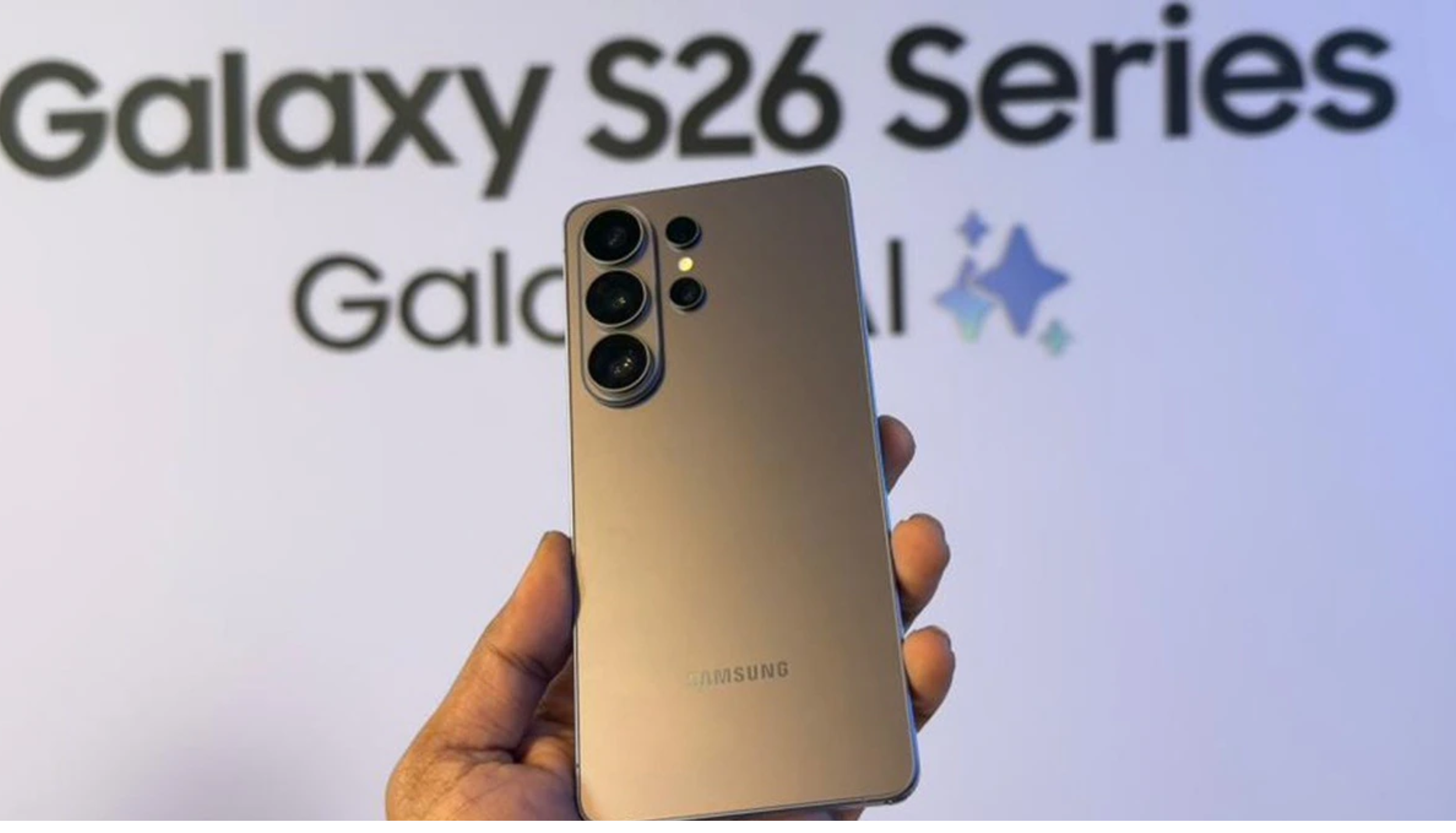
In a remarkable move, Samsung has attempted to bridge the difference between its new Galaxy S26 and the iPhone, with the AirDrop support feature. For years, the ‘AirDrop’ feature remained a unique feature to Apple products like iPhones, iPads, etc, but that is no longer the case. This blog discusses how you can send files between a Galaxy S26 lineup and an iPhone.
Also Read: IPL 2026 Fan Parks Schedule: 15 Cities, Dates, Venues & What Fans Can Expect
Samsung Galaxy S26 Series’ AirDrop Feature Rolls Out Today
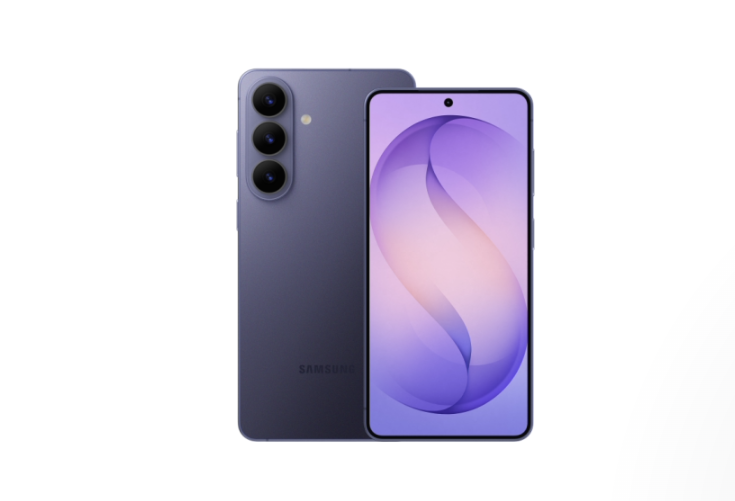
According to the Samsung Newsroom U.S. announcement, the South Korean smartphone brand has introduced AirDrop support to the newly launched Galaxy S26 series. Samsung is attempting to make content sharing between two devices simpler by using Quick Share with AirDrop support.
Notably, the feature will begin rolling out from March 23, 2026, in Korea and further expand to other countries. Also, a common misunderstanding is that people misinterpret this addition.
Samsung has not launched AirDrop; instead, they have added AirDrop support, and the transfer will happen through their usual Quick Share.
Also, the feature has already debuted on Google’s Pixel 10 series and other Pixel models, so Samsung is following the same path.
Will it be available in India?
The AirDrop compatibility in the Galaxy S26 series is rolling out today, but it’s limited to Korea for now. Although the brand has hinted at its future plans of expanding this feature to Europe, Hong Kong, Japan, Latin America, North America, Southeast Asia, and Taiwan, it will not be available in India today.
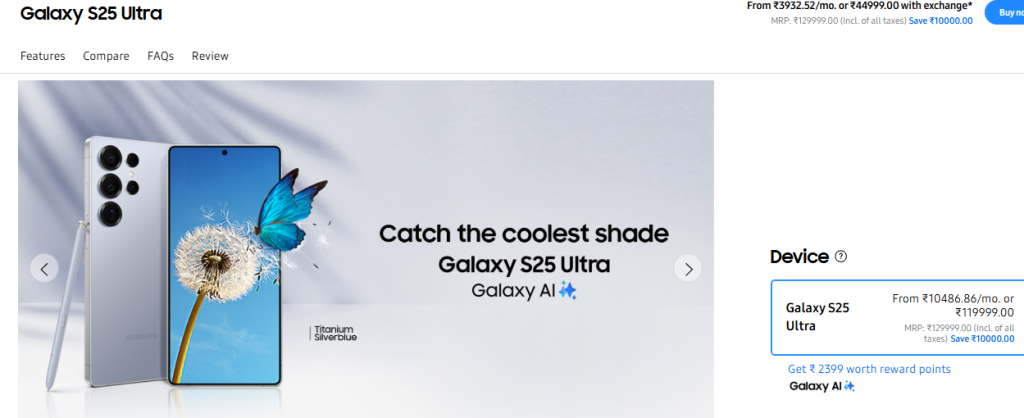
Additionally, only the Galaxy S26 series is compatible with this feature, but there are plans to expand it to other devices, the S25 and S24 series (and recent Z Fold/Flip models) by the end of the year. This marks another piece of good news for Samsung fans, as they have already reduced the price of the Galaxy S25 Ultra in India.
How to AirDrop Files From a Samsung Galaxy S26 Lineup to an iPhone?
With Samsung’s AirDrop support, Galaxy S26 users can easily share files like documents, photos, and videos to nearby iPhones, iPads, and Macs without using any third-party apps. Here are the steps to do it:
Before starting, note that the AirDrop feature isn’t turned on by default on the Samsung device, so you will have to manually turn it on. The steps are
- Open the settings and go to ‘Connected Devices’
- Find the ‘Quick Share’ option
- Turn on the ‘Share with Apple devices’
- Also, set the visibility to ‘Everyone for 10 minutes’
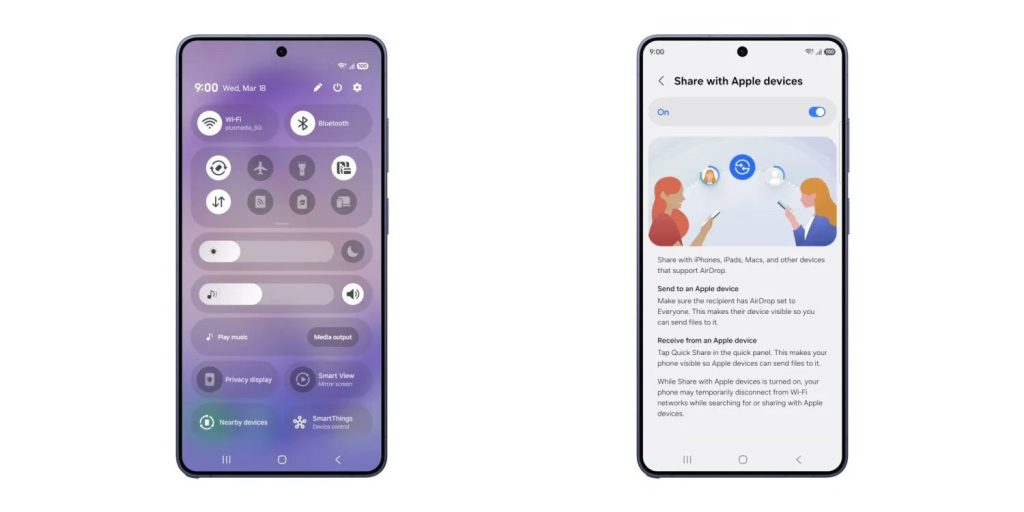
At the same time, ensure that the Apple device has also turned on its AirDrop to ‘Everyone for 10 Minutes’. Once it’s done, follow these steps: –
- Open the file that you wish to share
- Click on ‘Quick Share’
- Select the iPhone to which you wish to share
- Accept the transfer on the iPhone device
- Transfer will complete
Also Read: Amazon Smartphone Launch Planning: Features, Ecosystem Plans, and Lessons from the Fire Phone
How to Receive Files from iPhone to Samsung Galaxy S26 Lineup?
Follow these steps to receive files: –
- Turn on your Quick Share visibility by tapping on “Everyone for 10 minutes”
- Select the files you wish to share from your iPhone
- Find the Samsung device
- On the Samsung device, accept the transfer
- The receiving process will complete
Samsung fans have been awaiting this AirDrop feature for now, and it’s now finally rolling out today. Although the launch is limited to Korea at first, the release date for other countries, including India, will be announced soon.